Ubiquiti is the company; UniFi is one ecosystem
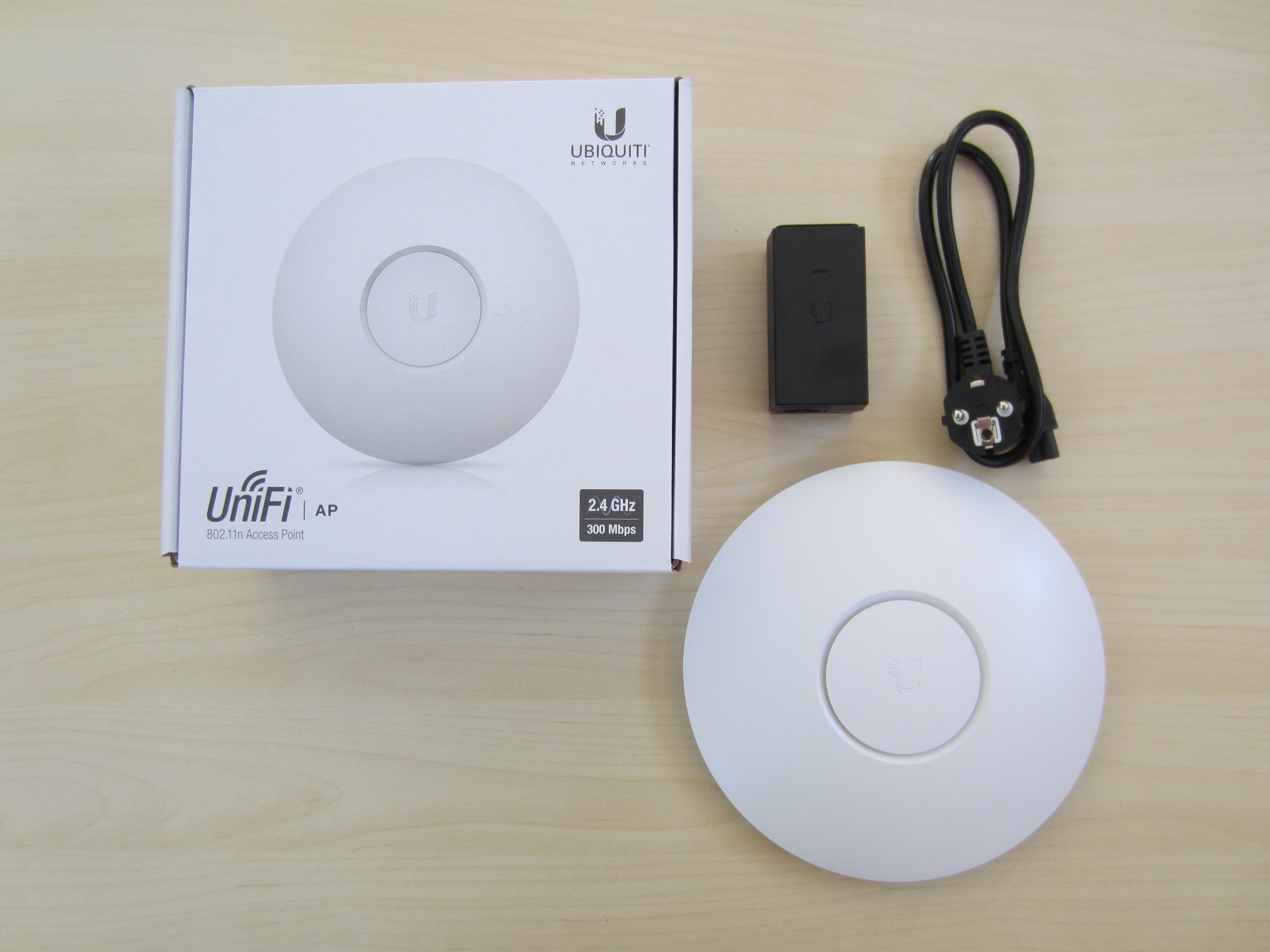
Ubiquiti makes networking equipment for homes and businesses. UniFi is its best-known ecosystem for gateways, routers, switches and access points managed together; the company has other product lines for other purposes too. This guide focuses on home networking and the role UniFi can play in it.
Central management becomes more useful as a network grows: it can bring multiple access points, guest Wi-Fi and device rules into one place. In a small flat with one router, that management may not add enough value to justify the extra platform.
Dream Router: one device may be enough
Dream Router shows that Ubiquiti does not always mean several separate boxes. It is a gateway with built-in Wi-Fi and UniFi management; the newer Dream Router 7 adds Wi-Fi 7 and other capabilities. One well-placed unit may be enough for a smaller home or for someone who wants an all-in-one setup.
Generations differ in Wi-Fi standard, ports, speed and features. Compare the exact model with your internet plan and the number of devices before buying. Built-in Wi-Fi may not cover a multi-storey house with thick walls; that is where an additional access point can help.
Access points, mesh and wired backhaul
For more rooms, you can add UniFi access points. Connecting them by Ethernet gives each one a dedicated path back to the network. Compatible devices can also use wireless meshing where running cable is impractical.
Wireless mesh is not lossless: an access point communicates over the air with another node while sharing radio capacity with clients. Each additional wireless hop can reduce throughput and increase latency. Use wired backhaul where practical; otherwise place each node where it still receives a strong signal from the main unit.
Cost and complexity versus Asus or TP-Link
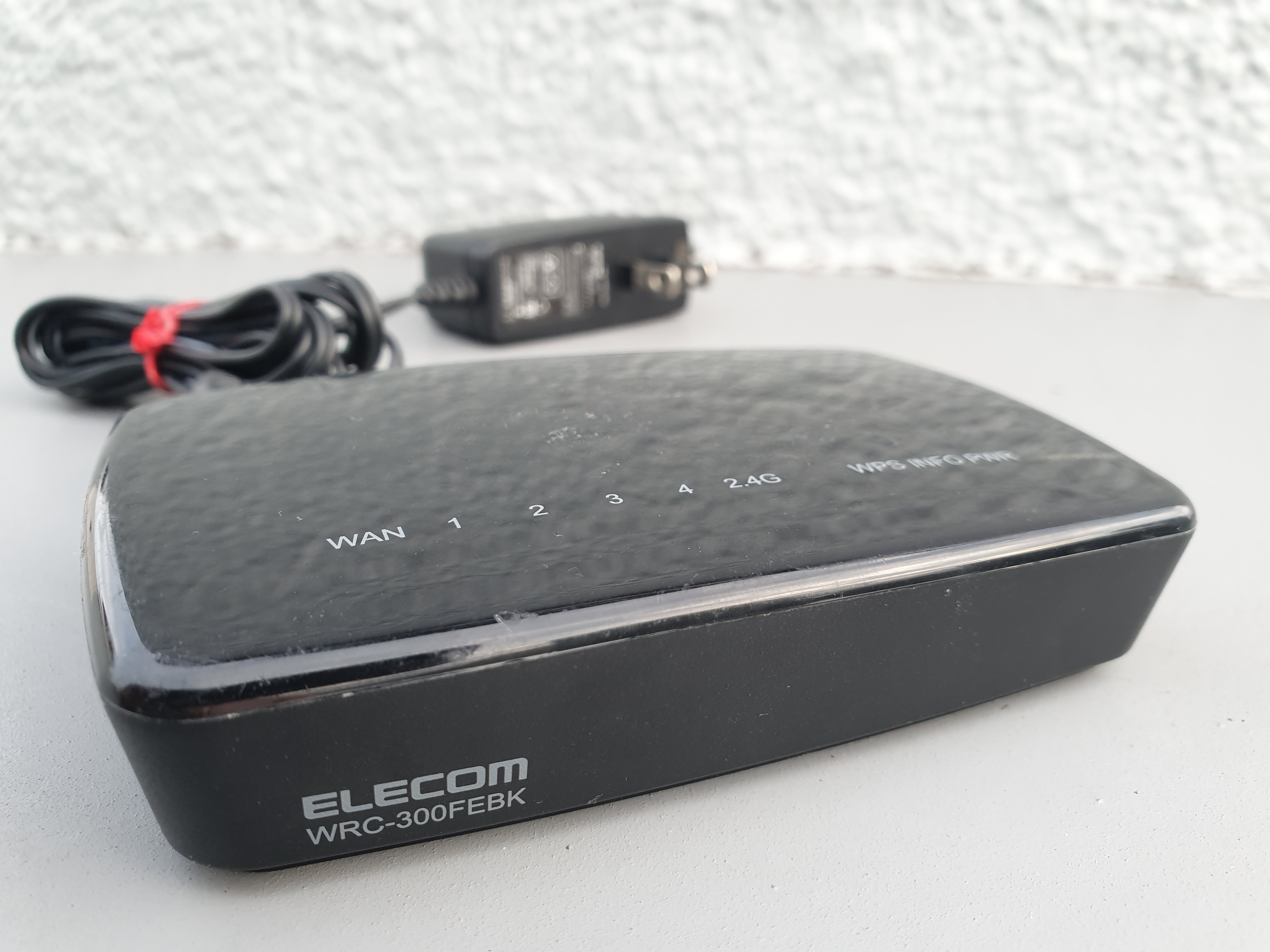
Ubiquiti can cost more than a single consumer router or home mesh kit from Asus or TP-Link, especially when a setup needs a separate gateway, switch and multiple access points. The extra cost can buy modular expansion and centralized management. Prices and availability change, so compare the current complete setup rather than one device in isolation.
For a small flat with ordinary internet needs, a good consumer router may be simpler and better value. Ubiquiti is more compelling when you need several access points, wired runs, separated networks or one place to manage the whole setup. Start with the floor plan, coverage needs and budget, not the brand name.